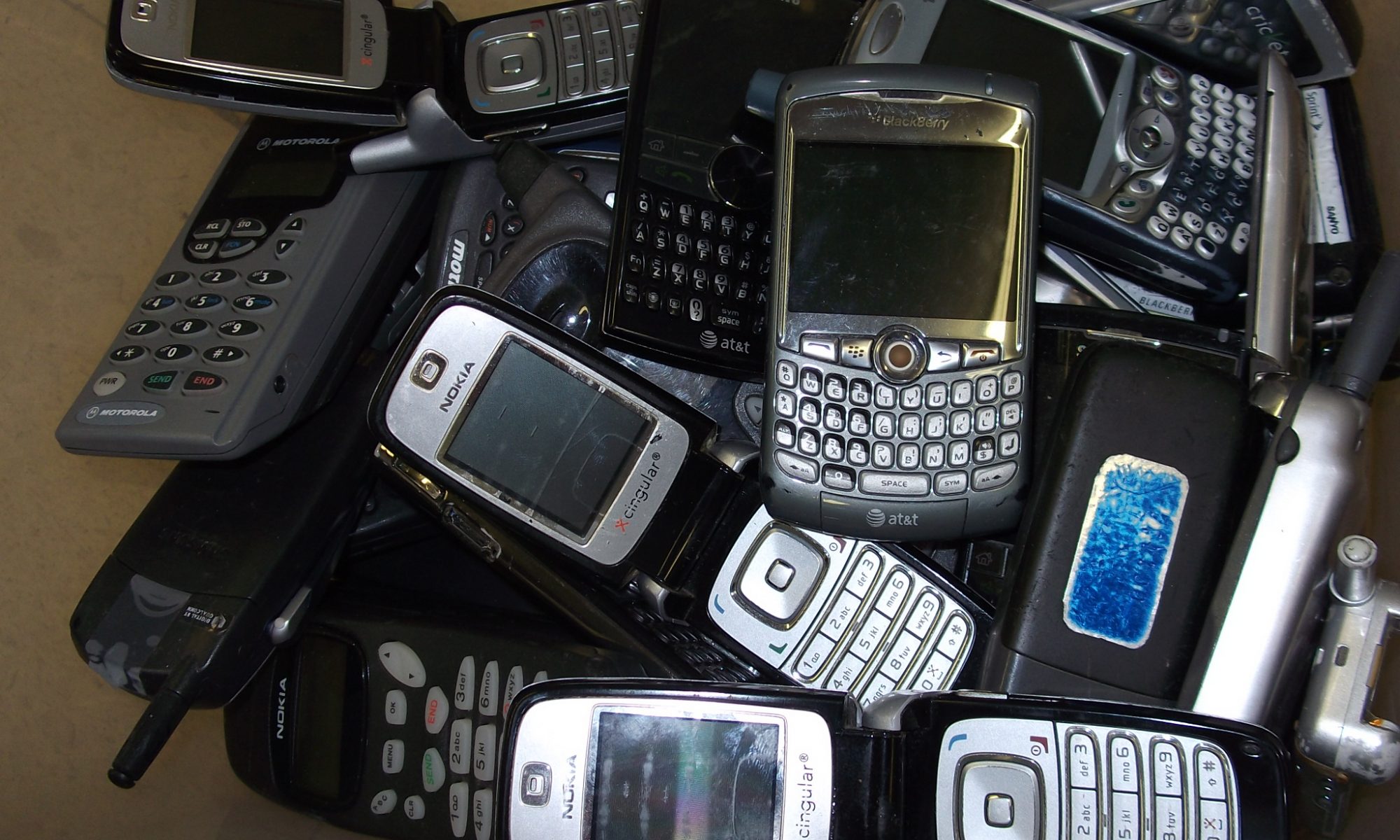

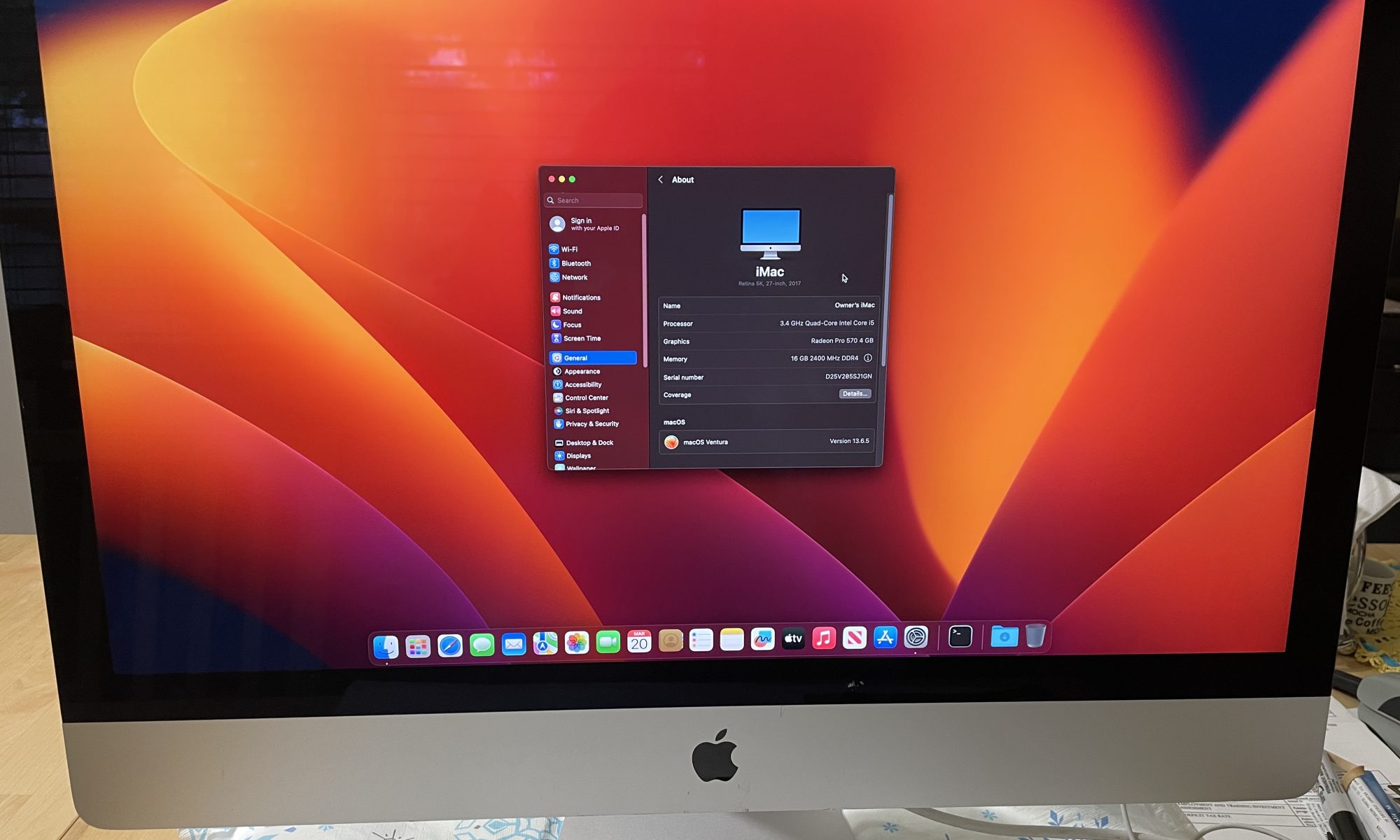
In an era where sustainability and the circular economy are buzzwords, a quiet but devastating practice continues in corporate IT departments and institutions worldwide. Organizations donate, sell, or hand over fleets of used iPhones, iPads, and MacBooks to recyclers and refurbishers—without removing Mobile Device Management (MDM) profiles or unenrolling them from systems like Apple Business Manager (formerly DEP). The result? Perfectly functional devices become expensive bricks, destined for shredding instead of reuse.
This oversight isn’t just sloppy asset management—it’s environmentally destructive, socially harmful, and economically wasteful.
What Is MDM and Why Does It Matter?
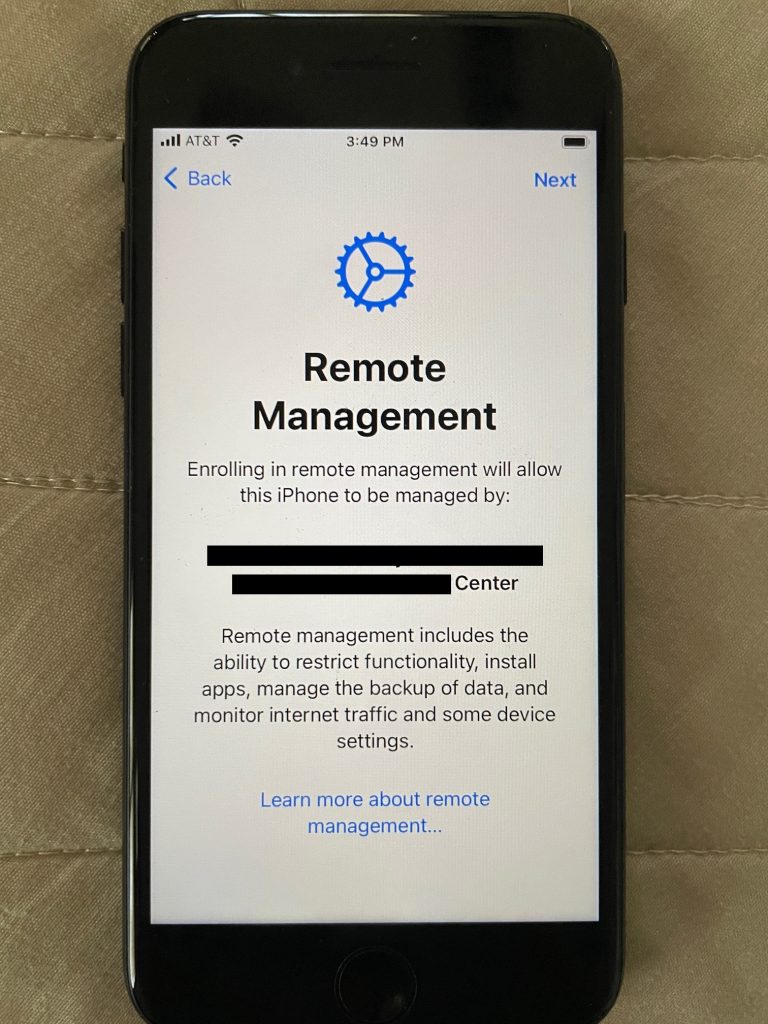
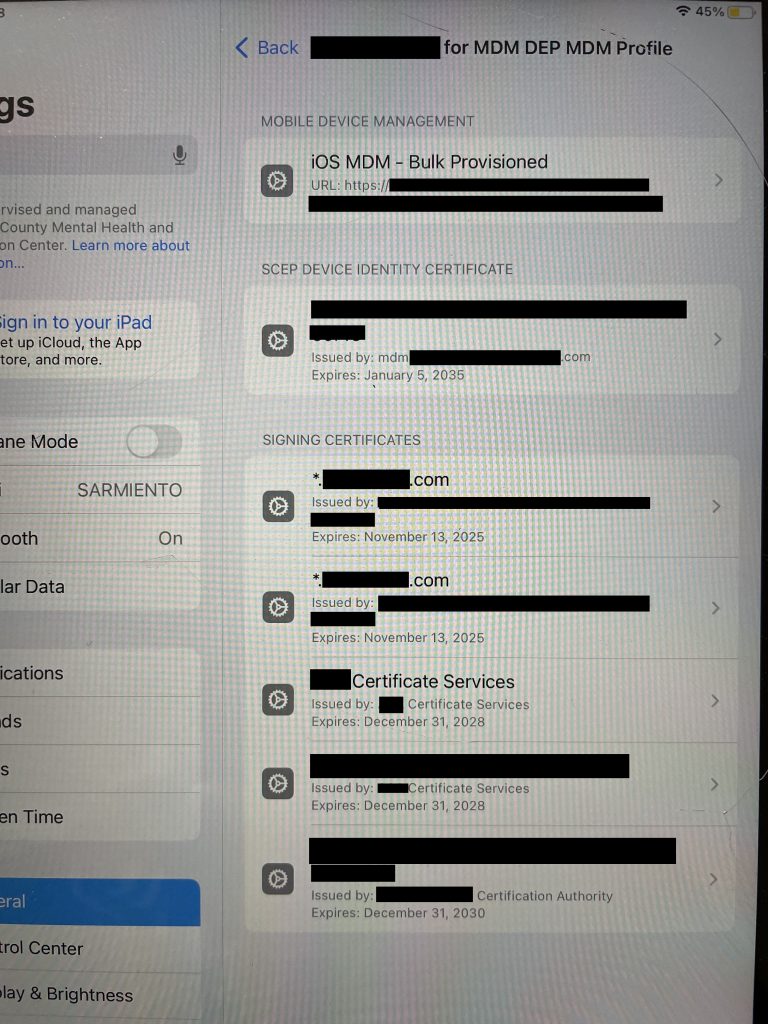
MDM allows organizations (schools, businesses, governments) to centrally manage, secure, and restrict devices: enforcing policies, installing apps, wiping data remotely, and more. When devices enroll via Apple’s Automated Device Enrollment, supervision is “supervised” at the firmware level. It ties the hardware to the organization’s account in the cloud.
A properly managed device can be “retired” by:
- Removing the MDM profile.
- Unenrolling the serial number from Apple Business/School Manager.
- Clearing any Activation Lock or iCloud ties.
When this step is skipped, the device—upon factory reset and internet connection—prompts for the organization’s credentials or blocks setup entirely. Refurbishers and new owners are locked out. MDM cannot typically be bypassed cleanly without the original organization’s cooperation (and many ignore requests).

The Scale of the Problem
Recyclers and refurbishers report receiving hundreds or thousands of MDM-locked Apple devices annually. One e-waste handler described getting devices from major institutions still enrolled in corporate systems. A viral YouTube investigation called MDM the “silent killer” scrapping millions of Apple products, with examples including devices from places like the Smithsonian ending up locked.
Refurbishers note that locked devices often cannot be reused. They get parted out or sent for material recovery, even if the hardware is in excellent condition. In one report, refurbishers and recyclers highlighted how MDM and activation locks drive unnecessary e-waste, with proportions of locked iPhones increasing over time.
Apple’s own agreements with businesses state that organizations should remove devices from enrollment before reselling or transferring them. Yet compliance remains inconsistent.
Why This Is So Damaging
Environmental Toll: Apple devices contain valuable materials like rare earths, cobalt, and gold. Premature scrapping increases demand for virgin mining, which is energy-intensive and polluting. Functional devices that could circulate for years end up in landfills or downcycled, undermining Apple’s own recycling goals and the broader push for a circular economy. Recyclers emphasize that locked devices force less sustainable outcomes, like component harvesting that generates more emissions.
Missed Social Good: Locked devices could bridge the digital divide. Non-profits refurbish and distribute tech to low-income families, students, and underserved communities. When MDM renders them unusable, opportunities for education and access are lost. Programs explicitly stress the need to remove MDM before donation precisely so devices can reach people in need.
Economic Waste: A working iPhone or MacBook retains significant resale or refurbishment value. Organizations forfeit potential revenue (some recyclers share proceeds from properly prepared devices) and create liability headaches. Buyers of secondhand gear frequently discover MDM locks post-purchase, leading to disputes and eroded trust in the used market.
Data and Compliance Risks: Ironically, failing to properly offboard can leave sensitive corporate data lingering if wipes are incomplete, while also exposing the organization to criticism for poor sustainability practices.
Real-World Examples and Frustrations
- E-waste processors routinely encounter devices from defunct companies or bulk disposals where IT teams “wrote them off” without proper unenrollment.
- Individuals and small buyers report purchasing “refurbished” or donated Apple gear only to hit corporate login walls.
- Calls to original organizations often go unanswered, especially years later.
This isn’t malice—it’s usually oversight in high-volume asset retirement processes. But the impact is the same.
How Organizations Can Do Better
Proper offboarding is straightforward and should be standard procedure:
- Use your MDM console to retire/unenroll devices.
- Remove serial numbers from Apple Business Manager.
- Perform a full erase and verify no profiles remain.
- Document the process for audits and transfers.
- Partner with certified recyclers/refurbishers who verify MDM status.
Time for Accountability
Apple has strengthened security for good reasons—protecting user data and deterring theft. But the ecosystem relies on organizations fulfilling their end: responsible decommissioning. We can not stress this enough! Policymakers, sustainability advocates, and the refurbishment industry have called for better practices and, in some cases, technical solutions to reduce orphaned locks without compromising security.
Until then, every MDM-locked device tossed into the recycling stream is a small failure of the system: good hardware wasted, resources squandered, and potential squandered.
Organizations handling Apple fleets owe it to the planet, their communities, and their own bottom lines to treat device retirement with the same rigor as deployment. Deactivate MDM before disposal—it’s not optional; it’s responsible stewardship.
The next time your company upgrades its iPads or MacBooks, ask IT: “Have we properly unenrolled these?” The answer could determine whether they get a second life or become e-waste.
Contact us to help you make sure your Apple devices are completely clean of your organization data and recycled in a secure and sustainable way.